Why Should You Use a Monitor Arm for a Better Desk Setup?

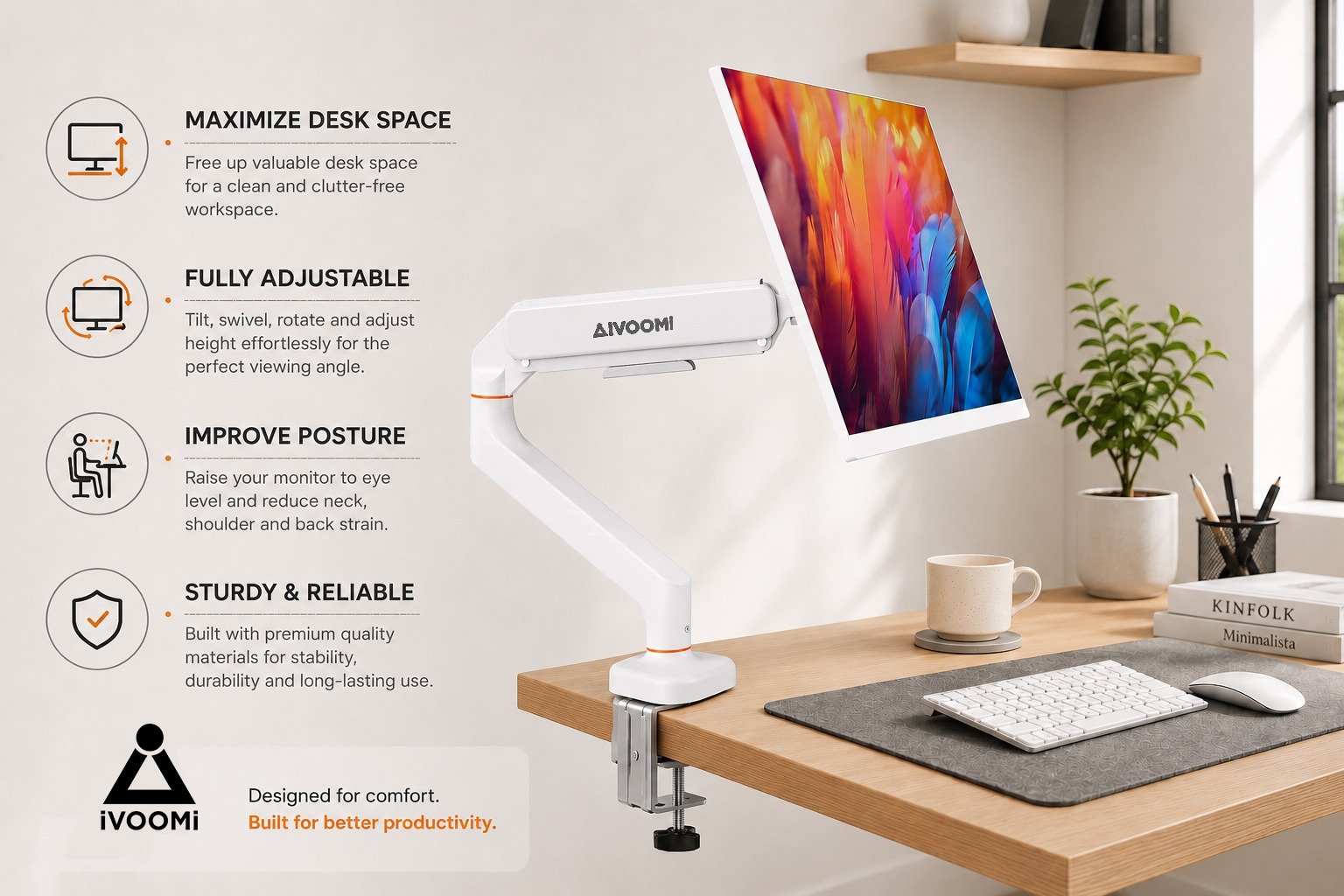
Why Should You Use a Monitor Arm for a Better Desk Setup?
Think about how you use your desk every day. Your monitor sits in one place, your keyboard and mouse take up the front, and then there is your laptop, notebook, phone, and everything else you need while working. Before long, even a decent-sized desk can start feeling crowded.
There is another thing many people don't notice until they have been working for a few hours. If your monitor is too low, too far away, or simply not at the right angle, you may find yourself leaning forward or looking down at the screen.
A monitor arm gives you an easy way to change that. Instead of keeping your monitor in one fixed position, you can adjust it according to your desk, sitting position, and the way you work.
But is a monitor arm really useful beyond moving your screen around? Let's look at some of the ways it can improve your everyday desk setup.
1.Get a More Comfortable Screen Position
Everyone has a slightly different way of sitting and working. Some people sit closer to the desk, while others prefer to sit further back. A traditional monitor stand doesn't always give you enough flexibility when your preferred position changes.
An adjustable monitor arm gives you more control over your screen. You can raise or lower it, move it closer, tilt it, or turn it to the side when needed.
Having your monitor at a comfortable viewing height can make your workspace feel more natural. This is one reason an ergonomic monitor arm can be a useful addition to a well-planned desk setup.
The idea is simple: instead of adjusting yourself around the monitor, you can adjust the monitor around you.
2.Free Up More Desk Space
Your monitor stand may not look like it takes up much room, but on a busy desk, every bit of space counts.
Once you add a keyboard, mouse, laptop, notebook, speakers, and other everyday accessories, the available surface can disappear quickly.
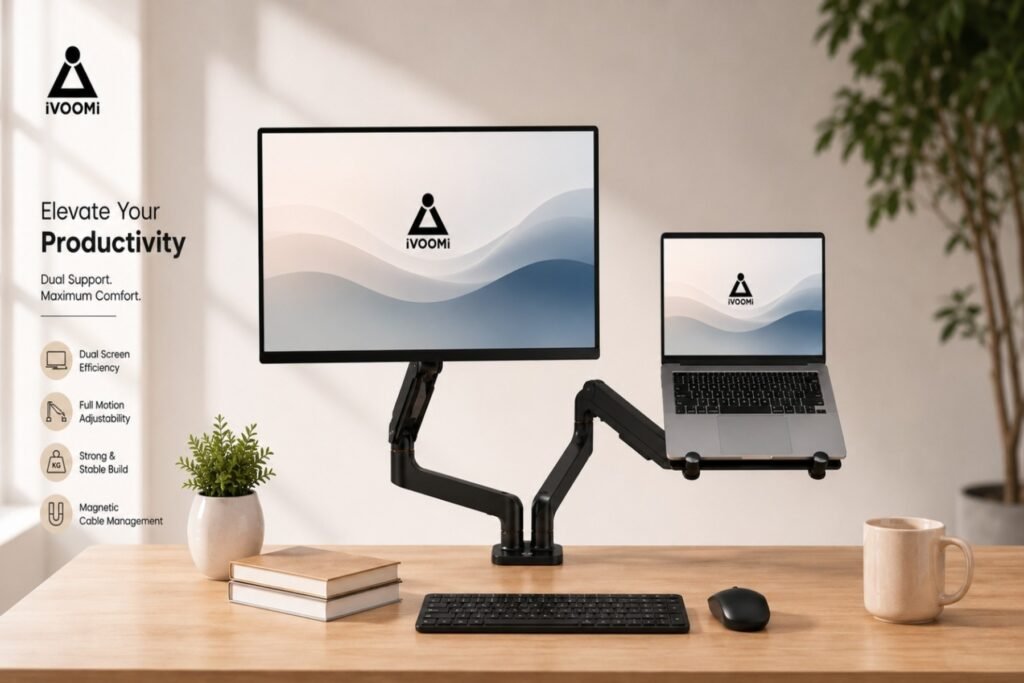
A monitor arm for desk moves the monitor away from its original base and opens up the space underneath. You can use that extra room for your keyboard, notebook, speakers, or anything else you like to keep nearby.
A monitor desk arm can be especially helpful if you have a compact desk or simply prefer a clean and uncluttered workspace.
3.Create a More Comfortable Setup for Long Hours
Spending several hours in front of a computer can become uncomfortable when your monitor isn't positioned properly.
If the screen is too low, you may spend a lot of time looking down. If it is too far away, you might find yourself leaning forward to see it clearly.
A computer monitor arm gives you more control over the height, distance, and viewing angle of your screen.
A monitor arm isn't a treatment for neck or back problems, but having the flexibility to position your screen properly can help you create a more comfortable working setup.
For people who spend most of their day at a desk, small adjustments can make a noticeable difference.
4.Make a Dual Monitor Setup Easier
One screen is enough for some tasks. For others, having two screens can make everyday work much easier.
If you use two monitors, you may already know how quickly separate monitor stands can take over your desk.
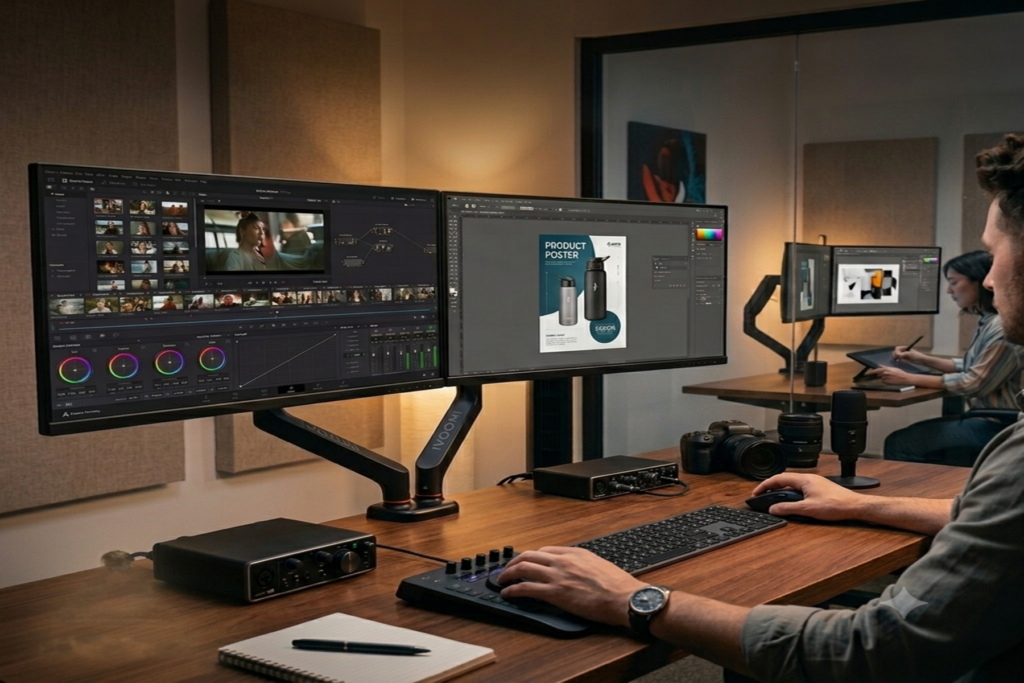
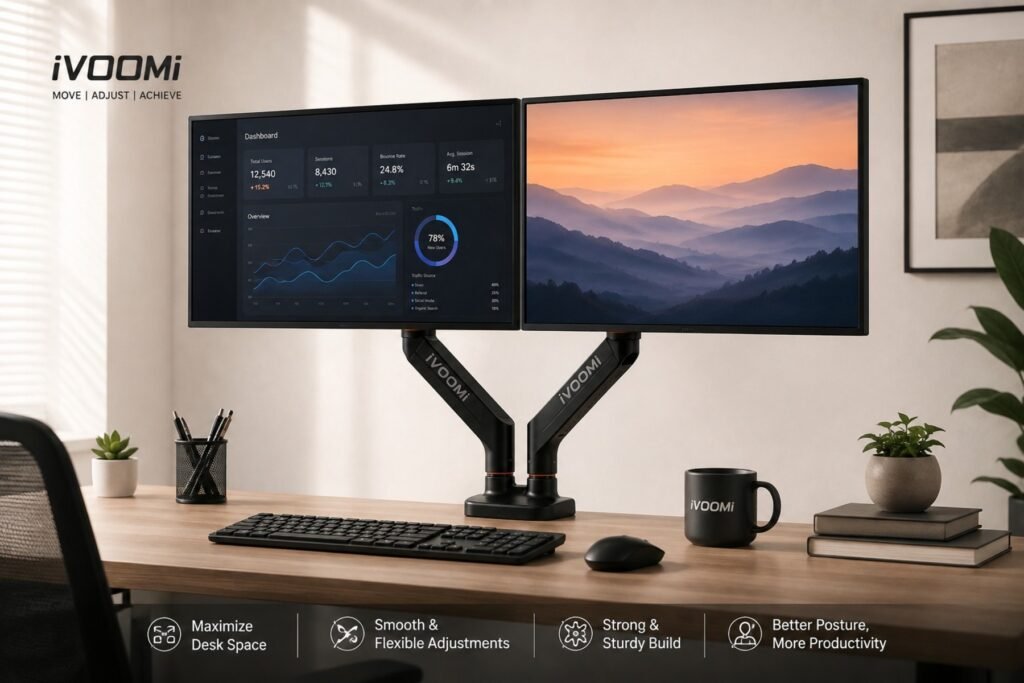
A dual monitor arm provides a cleaner way to arrange both screens. Instead of having two large monitor bases sitting on your desk, the monitors are supported by the arms, leaving more of the desk surface available.
You can position both screens at a comfortable height and adjust their angles according to the way you work.
A dual monitor setup can be useful for:
Emails and communication
Research and references
Spreadsheets
Coding and documentation
Video calls
Content creation
Multiple applications