Why a Dual Monitor Setup Is Useful for Creators, Designers and Editors
Working on a single screen can become frustrating when you have several tasks to handle at once. For creators, designers, and editors, it is common to move between editing software, references, messages, files, and other tools throughout the day.
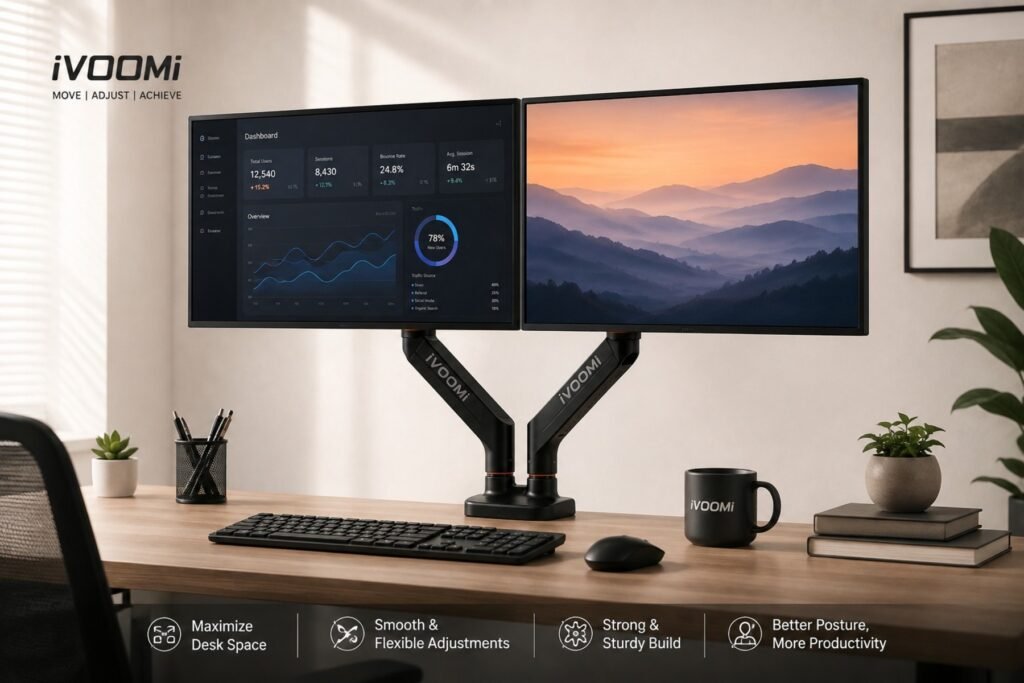
A dual monitor setup gives you more space to keep these tasks visible at the same time. You can use one monitor for your main work and the other for supporting tasks, making your workflow feel more organized and less interrupted.
Get More Space to Work
One of the easiest benefits to notice when using two monitors is the extra workspace. Instead of constantly opening, closing, or switching between tabs, you can keep important applications open side by side.
For example, your main project can stay on one screen while references, emails, messages, or other tools remain open on the second. This can be especially helpful when your work involves several applications throughout the day.
For Influencers and Content Creators
Content creation involves much more than recording a video. Creators may need to edit footage, check scripts, research ideas, manage social media, respond to comments, or communicate with clients.
With a dual screen setup, you can keep your editing software or main project on one monitor while using the second for scripts, references, social media, or communication.
This reduces the need to constantly switch between windows and helps you stay focused on your content.
For Graphic Designers
Graphic designers often work with design software while also checking images, fonts, colour palettes, references, and client feedback.
Using two monitors gives you more room to manage these different tasks. You can keep your main design on one screen and use the other for references, asset libraries, or communication.
A dual monitor stand can make this setup even more convenient by allowing you to position both screens according to the way you work.
For Video Editors
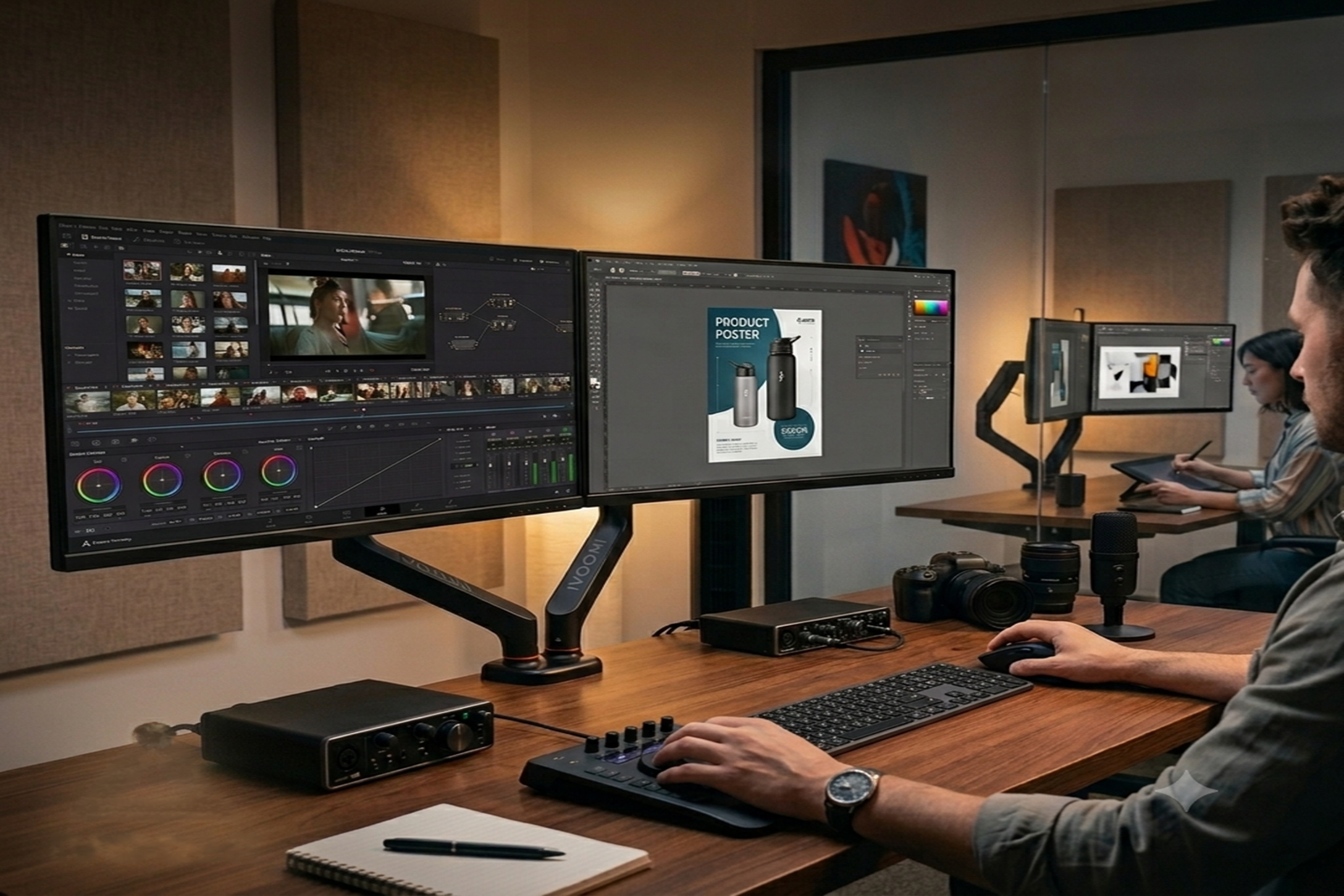
Video editing can involve timelines, previews, effects, audio tools, and media files all at once. Trying to fit everything onto one screen can make the workspace feel crowded.
With two monitors, you can keep your timeline and editing tools on one display while using the other for video previews, media files, or other resources.
A dual monitor arm also gives you more flexibility to adjust the position of each screen, making it easier to create a setup that suits your editing workflow.
For Photographers and Other Creators
Photographers, illustrators, animators, and other visual creators can also benefit from having a second screen.
You could use one monitor for your main creative work and the other for image libraries, references, client feedback, or supporting applications.
An adjustable monitor arm can be useful here because you can change the height, angle, and position of your screens depending on what you're working on.
For Developers and Digital Professionals
Two monitors aren't only useful for creative work. Developers can keep their code on one screen while using the other for documentation, browsers, or communication tools.
Digital marketers and freelancers can also use one screen for their main work and the second for analytics, research, emails, or project management.
The main advantage is simple: you can keep more of the information you need in view without constantly switching between applications.
Why the Right Monitor Position Matters
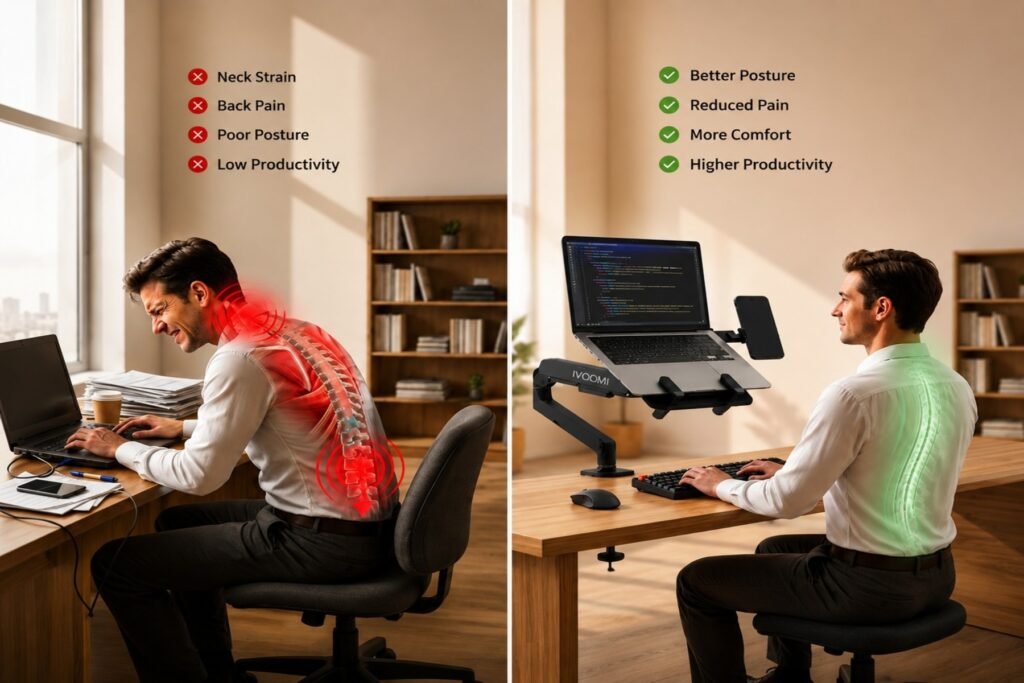
Having two monitors is useful, but their positioning matters too. Screens that are too low, too far apart, or placed at awkward angles can make your workspace less comfortable.
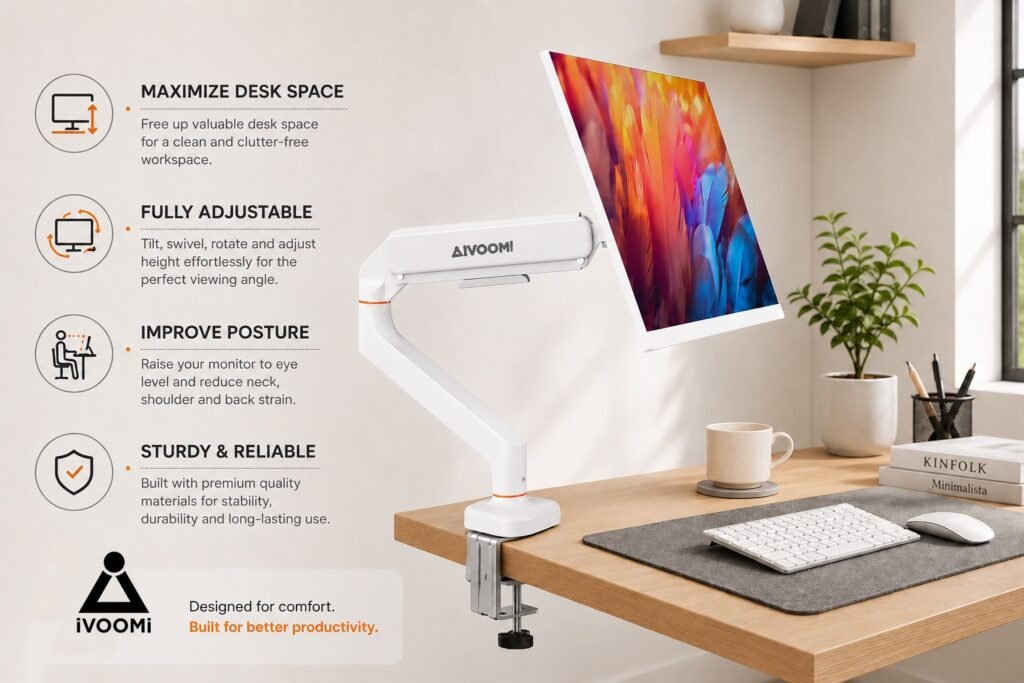
A monitor arm for desk gives you more control over where your screens sit. You can adjust their height, angle, and position instead of being limited by traditional monitor stands.
This makes it easier to create a workspace that fits your desk and your working style.
How iVOOMi Power X2 Helps
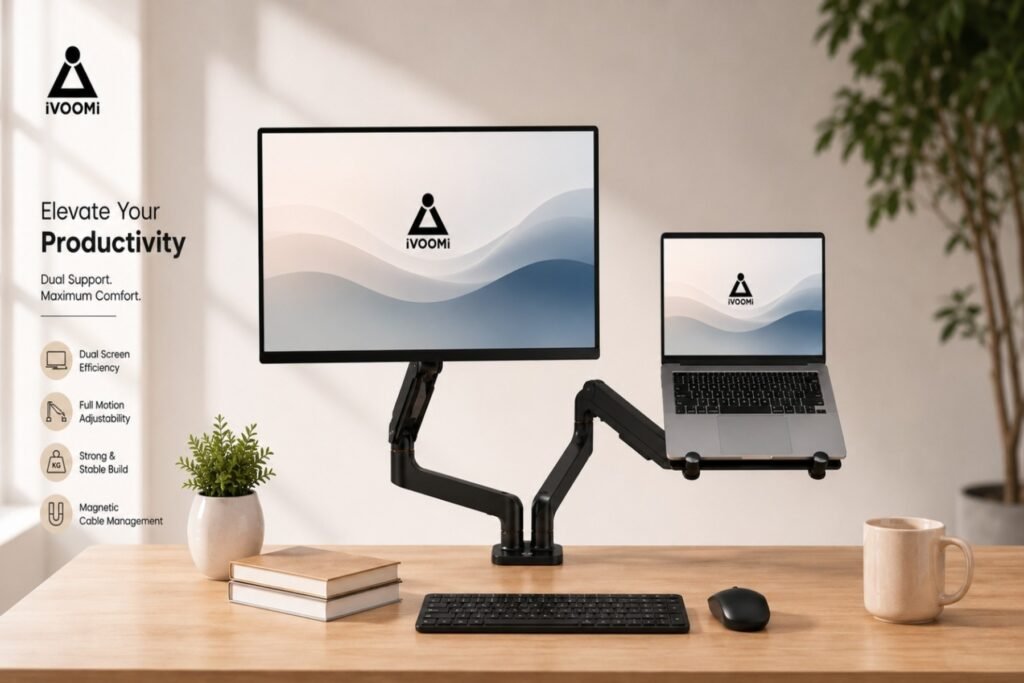
For creators and professionals who want to build a flexible two-screen workspace, iVOOMi Power X2 is designed to support two compatible monitors.
Its dual-arm design allows you to adjust your screens by raising, lowering, tilting, swivelling, and extending them as needed. It also supports VESA mounting for compatible monitors.
Whether you're editing videos, designing graphics, managing content, or working across several applications, Power X2 can help you create a more practical dual monitor workstation.
Create a Setup That Works for You
There isn't one perfect way to arrange two monitors. Your ideal setup depends on the type of work you do and how you use your screens.
The important thing is to give each monitor a purpose. Keep your main work on one screen and use the second for the tools, information, or communication you need alongside it.
For creators, designers, editors, developers, and other professionals, a dual monitor setup can be a simple way to make everyday work more convenient.
With the right monitor arm, you can create a workspace that gives you more flexibility and helps you focus on the work that matters.