Laptop and Monitor Setup: Work Smarter with Two Screens

Laptop and Monitor Setup: How to Work Smarter with Two Screens
Working on a laptop is easy until you have too many tabs, files, emails, and apps open at the same time. Switching between them again and again can slow you down. This is where adding a second screen can make your work much easier.
A Laptop and Monitor Stand can help you keep your laptop and monitor organized while making better use of the space on your desk. With the right setup, you can have everything you need in front of you without making your workspace feel crowded.
Why Use a Two-Screen Setup?
Using a laptop with an external monitor gives you more space to work. Instead of opening and closing windows constantly, you can keep different tasks on different screens.
For example, you can keep your main work on the monitor while using your laptop for emails, research, messages, or reference material.
A two-screen setup can be useful for:
Working from home
Studying and attending online classes
Writing and content creation
Designing
Coding
Managing spreadsheets
Attending meetings while taking notes
How Does a Dual Screen Setup Help You Work Better?
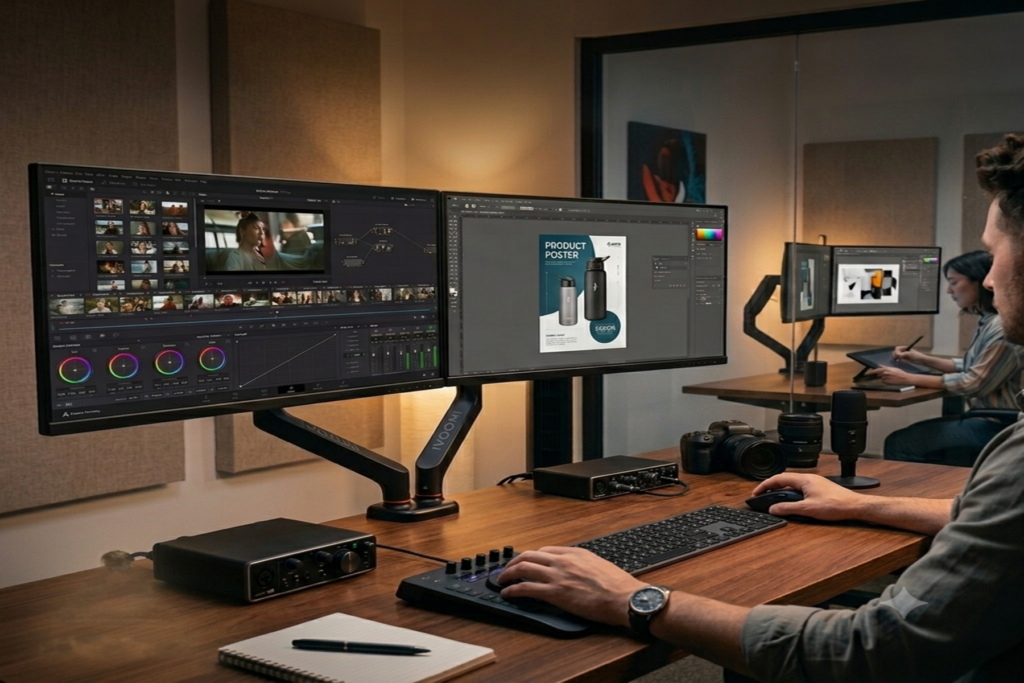
A Dual Screen Setup makes multitasking much simpler. You can have two applications open at once, compare documents, watch a meeting while taking notes, or research something without leaving your main work.
You also don't have to keep switching between tabs. Once you get used to working with two screens, it can feel much more natural and convenient.
Keep Your Laptop and Monitor at a Comfortable Height
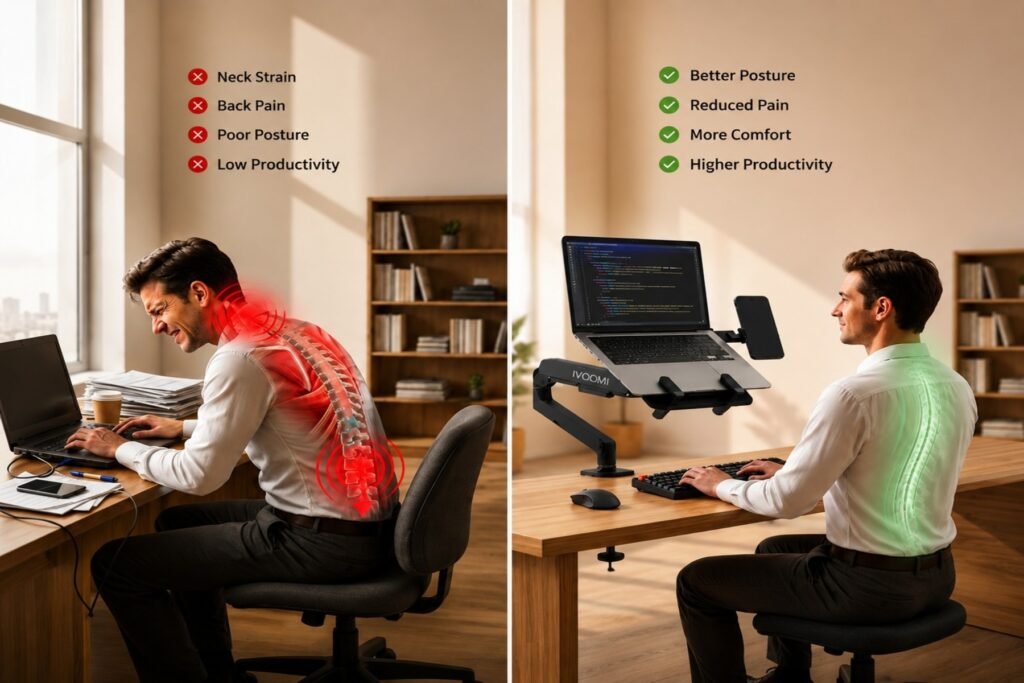
Screen height is something people often overlook when setting up their desk. If your laptop is sitting flat on the desk, you may have to look down frequently. Spending hours in that position can make your workspace feel uncomfortable.
Try to keep your main screen around a comfortable eye level. If you're using the laptop as a second screen, raise it so that both screens are easy to view.
A Laptop and Monitor Stand can help you position both devices properly while also keeping your desk more organized.
Save Desk Space with a Monitor Arm
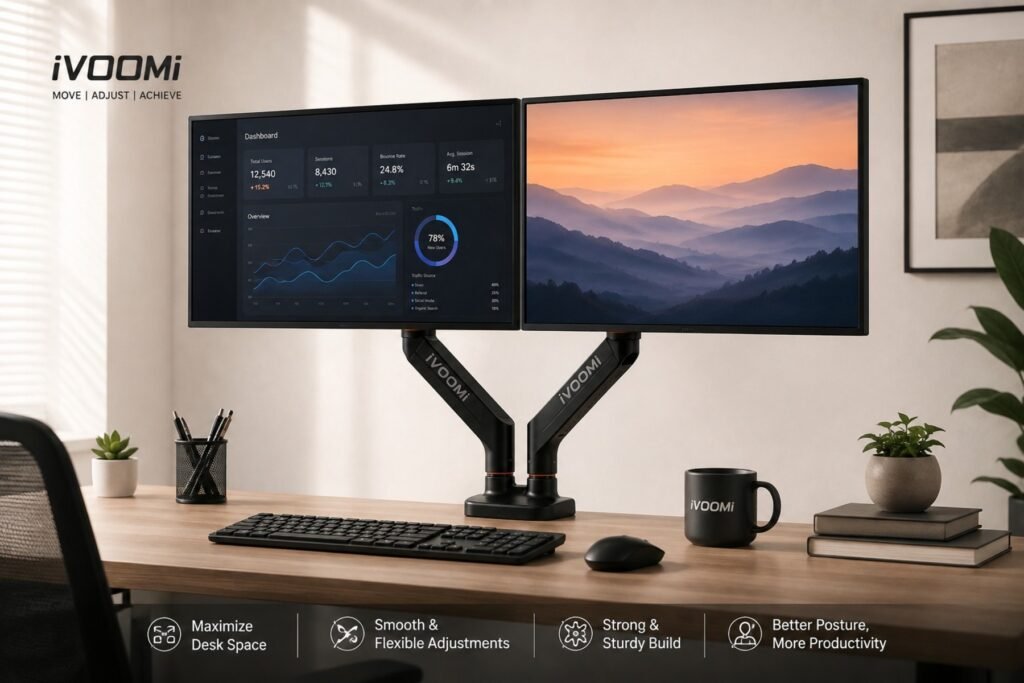
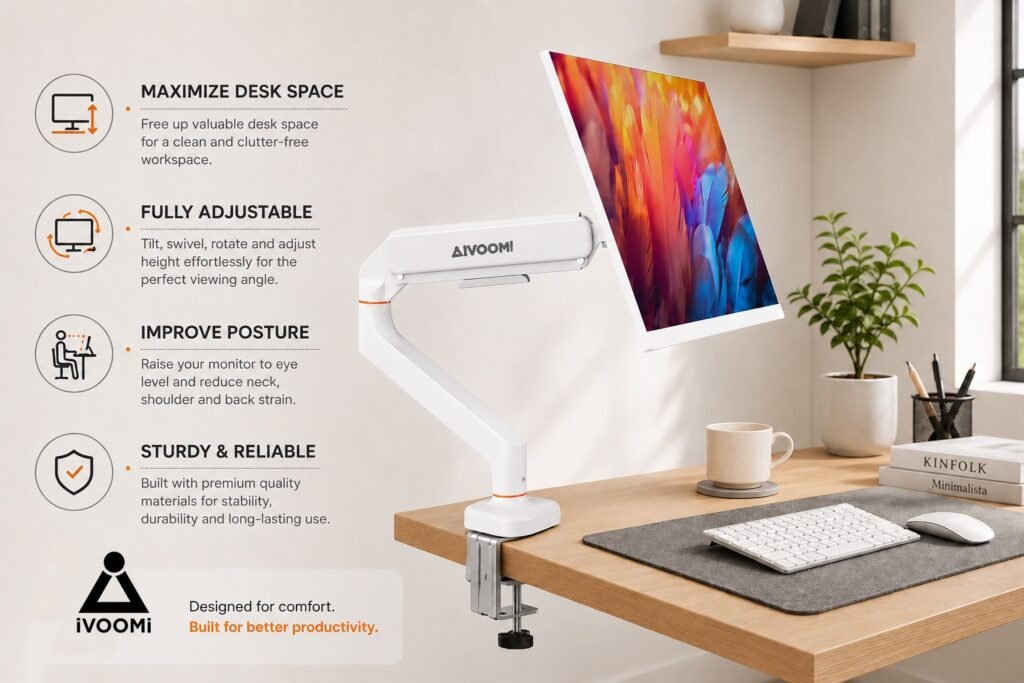
A monitor's regular stand can take up quite a bit of space, especially if you have a smaller desk. A Monitor Arm can help free up that space by holding the monitor above the desk.
It also gives you more flexibility to adjust the monitor's height, angle, and position. This can make it easier to find a screen position that works for you.
When Is a Laptop Arm Useful?
If you use your laptop as a second screen every day, a Laptop Arm can be a useful addition to your workspace.
Instead of leaving your laptop flat on the desk, you can keep it raised and adjust its position when needed. This also leaves some extra space underneath for your keyboard, mouse, notebook, or other desk accessories.
Keep Your Two-Screen Workspace Simple
You don't need a complicated desk setup to work comfortably with two screens. Start with the basics.
Keep the screen you use most directly in front of you and place the second screen slightly to the side. Your keyboard and mouse should be within easy reach, and frequently used items should stay close to you.
A simple Ergonomic Desk Setup can make your workspace feel more comfortable without making it look overloaded with accessories.
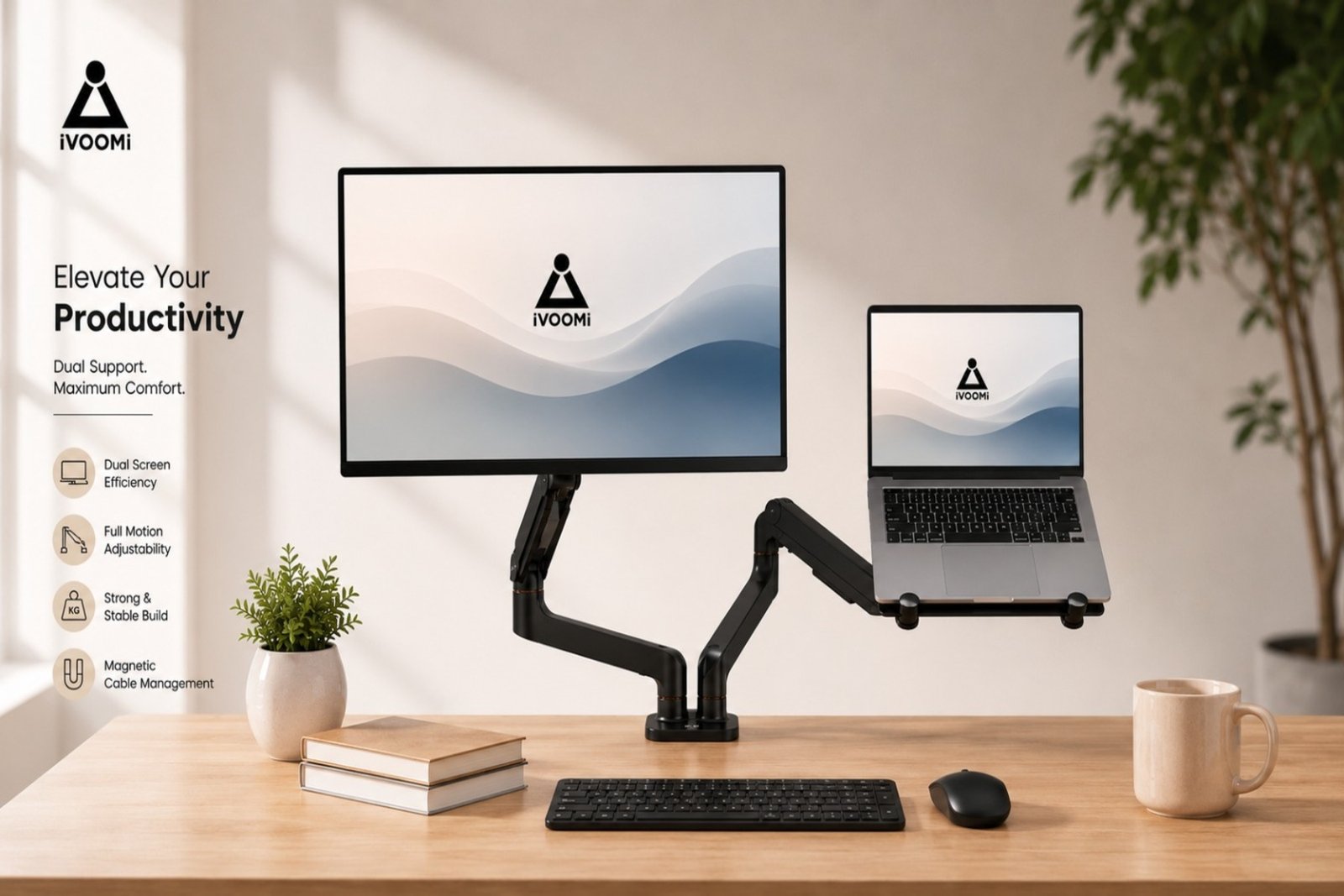
Duo Dock for a More Organized Laptop and Monitor Setup
If you want to use your laptop and monitor together while keeping your desk neat, the Duo Dock is worth considering.
The Duo Dock combines a laptop stand and monitor stand in one setup and also includes a magnetic mobile holder. It supports monitors from 15 to 34 inches and comes with features such as gas-spring adjustment and 360° rotation.
You can mount it using either a clamp or grommet, depending on your desk. By keeping the laptop and monitor elevated, it also leaves more usable space on the desk for your keyboard, mouse, and other essentials.
Simple Tips for Setting Up Two Screens
A few small changes can make a noticeable difference to your setup:
Keep your main screen directly in front of you.
Place the second screen slightly to the side.
Raise your laptop if it sits too low.
Keep your keyboard and mouse at a comfortable distance.
Organize cables so they don't take over your desk.
Avoid keeping unnecessary items around your workspace.
Adjust your screens until you can view them comfortably.