The Smart Way to Arrange Two Monitors on a Small Desk
A small desk doesn't mean you have to work with just one screen. If you spend your day moving between spreadsheets, emails, meetings, research, or different applications, a second monitor can make things a lot easier.
The tricky part is fitting two monitors onto a limited desk without making everything feel cramped. A good Two Monitor Setup is less about having more equipment and more about arranging what you already have in a practical way.
Why Use Two Monitors on a Small Desk?
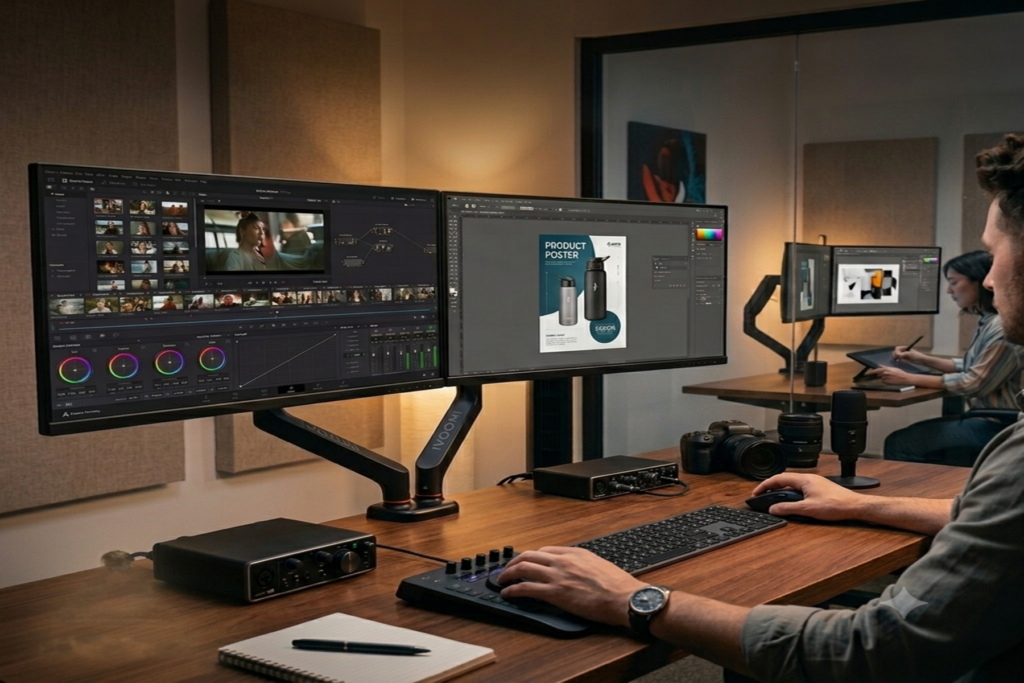
Two monitors give you more room to work without constantly switching between windows. You can keep your main task on one screen and use the other for emails, research, chats, or reference material.
For example, you could have a spreadsheet open on one monitor while keeping your email or browser open on the other. Once you get used to it, small tasks like copying information or comparing documents become much easier.
The problem is that two monitors usually mean two monitor stands as well. On a small desk, those stands can take up space that you could otherwise use for your keyboard, mouse, notebook, or other essentials.
Start With the Right Monitor Position
Before buying anything, think about which screen you use the most.
If both monitors are equally important, place them side by side and keep the middle of the two screens close to where you normally sit. You can angle them slightly toward you for a more comfortable view.
If you mainly use one monitor, keep that screen directly in front of you and place the second one to the side.
There's no single arrangement that works for everyone. The best position is the one that lets you see your screens easily without constantly turning your head.
Keep Both Screens at a Comfortable Height
Your monitor height can make a big difference, especially if you're working for several hours.
If the screens are too low, you may find yourself looking down repeatedly. If they're too high, you may end up tilting your head upward.
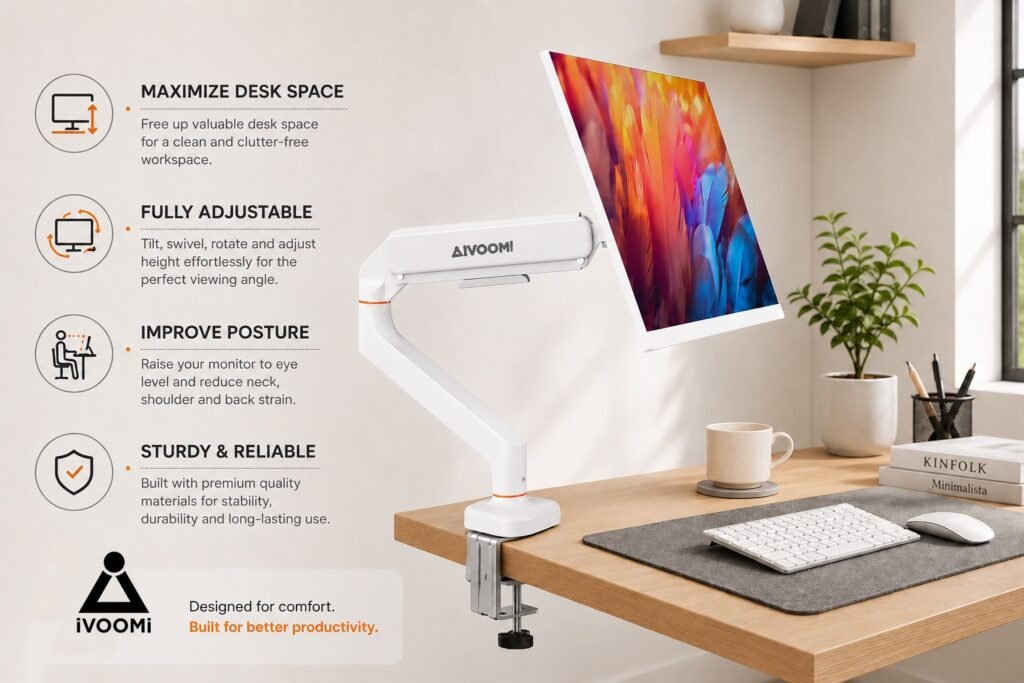
An Adjustable Monitor Arm gives you more freedom to set the height and viewing angle of each screen. This is particularly useful when you regularly change your working position.
Free Up Space on Your Desk
One of the biggest challenges with a small desk is simply finding enough room.
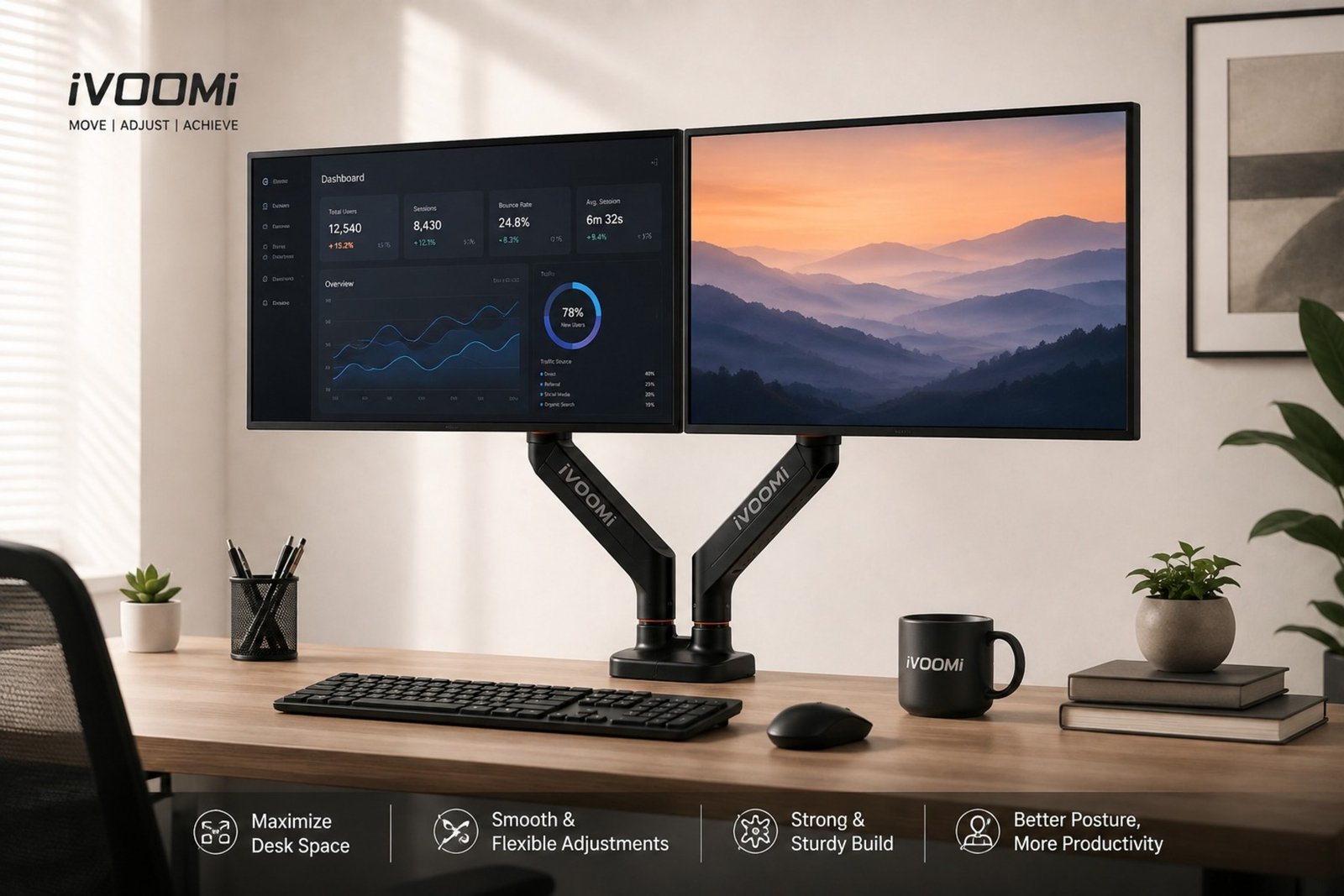
Two standard monitor stands can take up a large part of the available surface. A Dual Monitor Arm helps solve this by supporting both monitors above the desk instead of using two large bases.
The space underneath can then be used for your keyboard, mouse, speakers, notebooks, or other things you actually need while working.
Don't Forget About Cable Management
Adding another monitor also means adding more cables. If you let them hang loosely across the desk, the setup can start looking messy very quickly.
Try routing your cables toward the back of the desk and keeping them together where possible. You don't need an elaborate cable-management system. Even a few simple clips or ties can make the desk look much cleaner.
A tidy setup also makes it easier to clean your desk and reach the things you use regularly.
Make Better Use of the Space Under Your Monitors
Once your monitors are lifted off the desk, you gain a little more freedom with the space underneath them.
You can keep your keyboard there when you're not working, place a notebook in the area, or simply leave it clear. On a small desk, even a little extra space can make the whole setup feel less crowded.
A Monitor Mount for Desk can be useful here because it lets you position your screens without giving up a large portion of the desk surface.
Power X2 for a Two-Monitor Setup
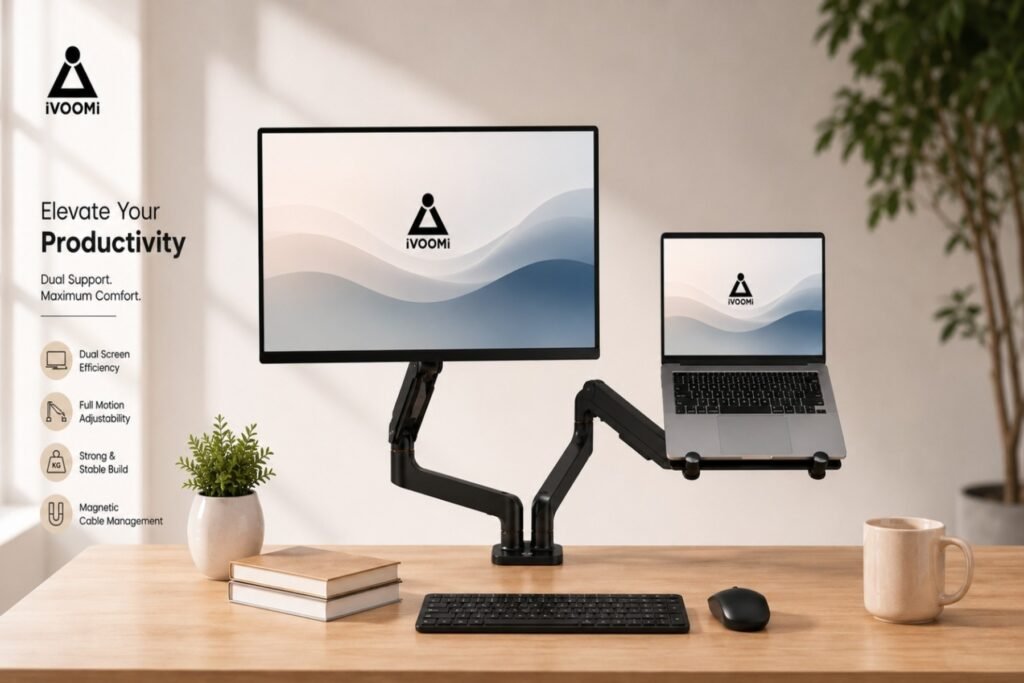
If you're looking for a way to hold two monitors while keeping your desk more open, the iVOOMi Power X2 is designed for this type of setup.
The Power X2 supports two monitors from 15 to 34 inches and has a total weight capacity of up to 20 kg. Its gas-spring arms allow you to adjust the screens for height and position, while the arms can also swivel, tilt, and extend.
It supports VESA 75 × 75 mm and 100 × 100 mm mounting patterns. The arm can also be installed using either a clamp or grommet mount, depending on your desk.
This makes it easier to arrange two monitors without having two separate monitor bases taking up valuable workspace.
Keep the Rest of Your Desk Simple
Once your monitors are in place, resist the temptation to fill the extra space with more accessories.
Keep the things you use every day nearby and move everything else somewhere else. Your keyboard, mouse, notebook, and a few essentials are usually enough.
A Space-Saving Monitor Setup should make your desk feel more usable, not give you an excuse to add more clutter.
Small Changes Can Make a Big Difference
You don't need a huge desk or an expensive workstation to make two monitors work well. Start with the position of your screens, adjust their height, manage the cables, and make use of the space you've freed up.
Once everything is positioned properly, even a compact desk can feel much more comfortable and practical for everyday work.